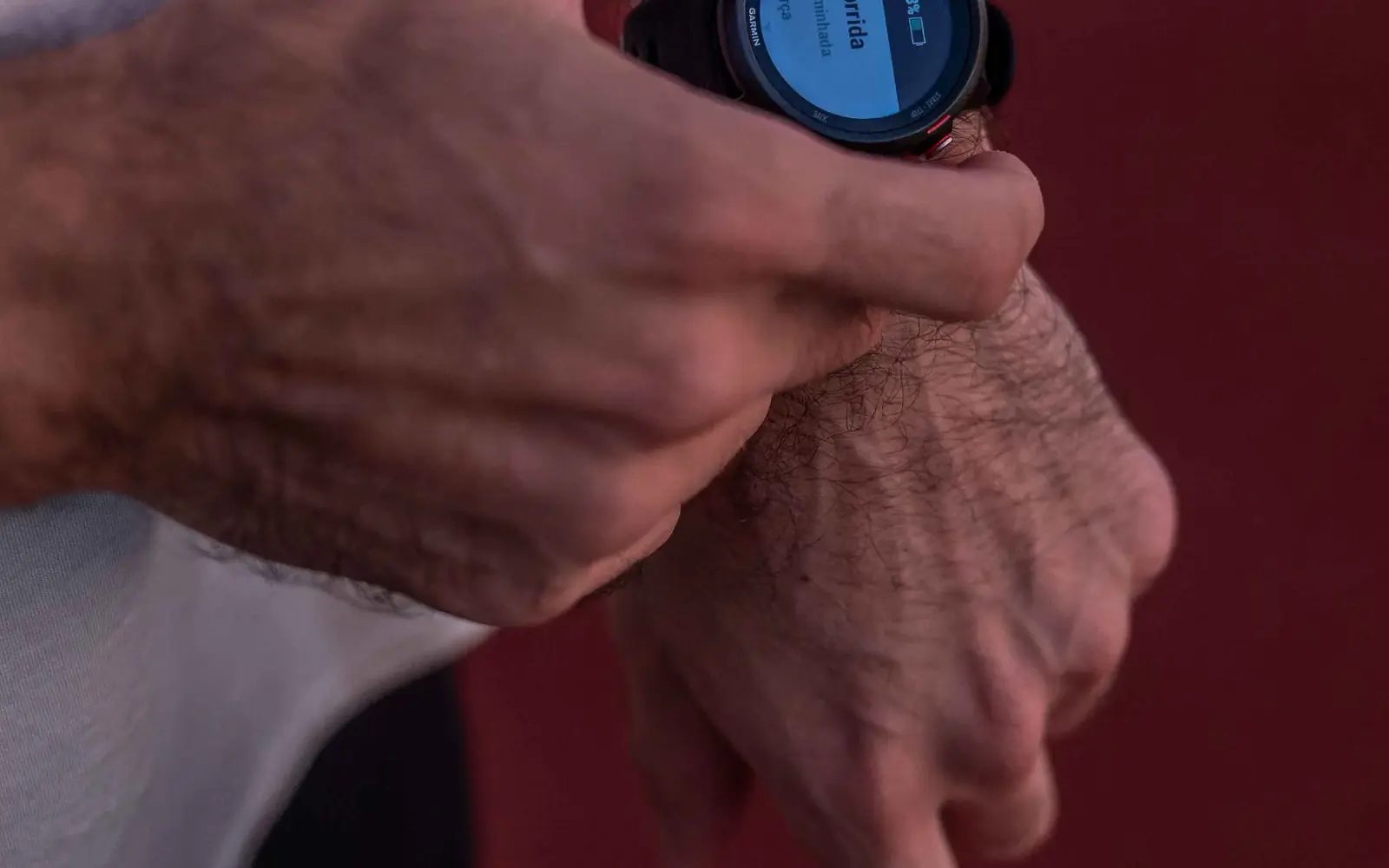
Quick answer: An emergency contact hidden behind a locked phone is a very private contact. Before solo training, travel, or racing, configure the device’s emergency information, make the relevant fields accessible from the lock screen, verify the contacts, and consider a visible bracelet or tag. Keep the information concise, current, and medically meaningful.
What the evidence actually says
Apple and Google device guidance lets users store emergency contacts and medical information that may be accessible without unlocking. Features, sharing, network behavior, and regional availability vary. A phone can be lost, damaged, wet, or out of power, so device settings complement rather than replace visible identification and official race medical forms.
Choose useful information
Include name, emergency contacts, important allergies, major conditions, critical medications, and other details a clinician has advised. Avoid a biography or outdated diagnosis list. Decide consciously which private information is appropriate to expose from a locked device.
Configure and test access
Use the official instructions for the exact phone and watch, enable lock-screen access if desired, and ask a trusted person to test the emergency screen without unlocking. Confirm contacts receive the expected notifications and understand why they are listed.
Add a physical backup
Wear a durable medical ID or carry a card on solo rides and runs, especially for conditions or allergies that could change emergency treatment. Put identification where rescuers are likely to find it and do not rely on a QR code that requires signal or a special app.
Update race and route details
Complete the event’s emergency and medical fields accurately. Tell a contact the route, start time, expected finish, vehicle, and when to escalate a missed check-in. Bib notes should follow event rules and not cover timing or identification elements.
Practice emergency features
Learn how to call emergency services and trigger SOS on the device without accidentally disabling location or medical sharing. Keep devices charged and protected from water. Technology is useful; a dead watch in a swim bag is more of a tiny paperweight.
Race-day decision rehearsal
Turn medical ID for triathletes into a written if-then plan before the event. Decide what you will inspect, what early symptom or equipment change triggers a pause, who can help, and what finding ends the session. Rehearse the low-risk parts in ordinary training and record what happened. Keep the plan specific to your health, equipment, course, and professional advice. This is not pessimism; it is how experienced athletes protect decision quality when effort, noise, and sunk cost are all trying to vote.
Coach’s field checklist
- Store concise, current emergency and medical details.
- Enable and test access from the locked device.
- Carry visible physical identification as backup.
- Update race forms and tell a contact the route.
Common mistakes
- Changing several variables at once.
- Using another athlete’s medication, equipment, or protocol.
- Treating one study average as an individual promise.
- Waiting until race week to test the plan.
- Ignoring severe, persistent, or worsening warning signs.
Coach’s bottom line
Define the guardrails, rehearse the decision in realistic conditions, and escalate symptoms that exceed normal training discomfort. The stopwatch is useful; it is not licensed to practice medicine.
FAQ
Can first responders always see phone Medical ID?
No. Device, settings, damage, battery, and local systems can limit access.
Should I list every medication?
Include clinically important information as advised and keep it current.
Is a QR bracelet enough?
It may help, but pair it with readable core information.
Should I share my full medical history publicly?
No. Balance emergency usefulness with privacy and clinician advice.
Related AltaBrio guides
- Triathlon Training Zones
- Weekly Triathlon Training Plan
- Triathlon Durability
- Return After Respiratory Illness
Image suggestions
Hero image: Adult triathlete and coach addressing medical ID for triathletes.
Alt text: “Triathlete and coach discussing medical ID for triathletes.”
Supporting graphic: Warning signs and decision steps.
Alt text: “Decision framework for medical ID for triathletes.”
Sources
- Apple Support: set up and view Medical ID. Accessed November 12, 2026.
- Google Pixel Help: emergency information and contacts. Accessed November 12, 2026.